What’s New in Glaizit
Glaizit continues to grow as a calm, creative digital studio for potters — and now it is available on the web. Along with a cleaner, roomier browser experience, Glaizit brings together new ways to discover glaze ideas, document projects, organize materials, and stay inspired through every step of the pottery process.
Glaizit is now on Web
Browse combinations, record notes, organize your pottery workflow, and continue your studio process across mobile and browser.
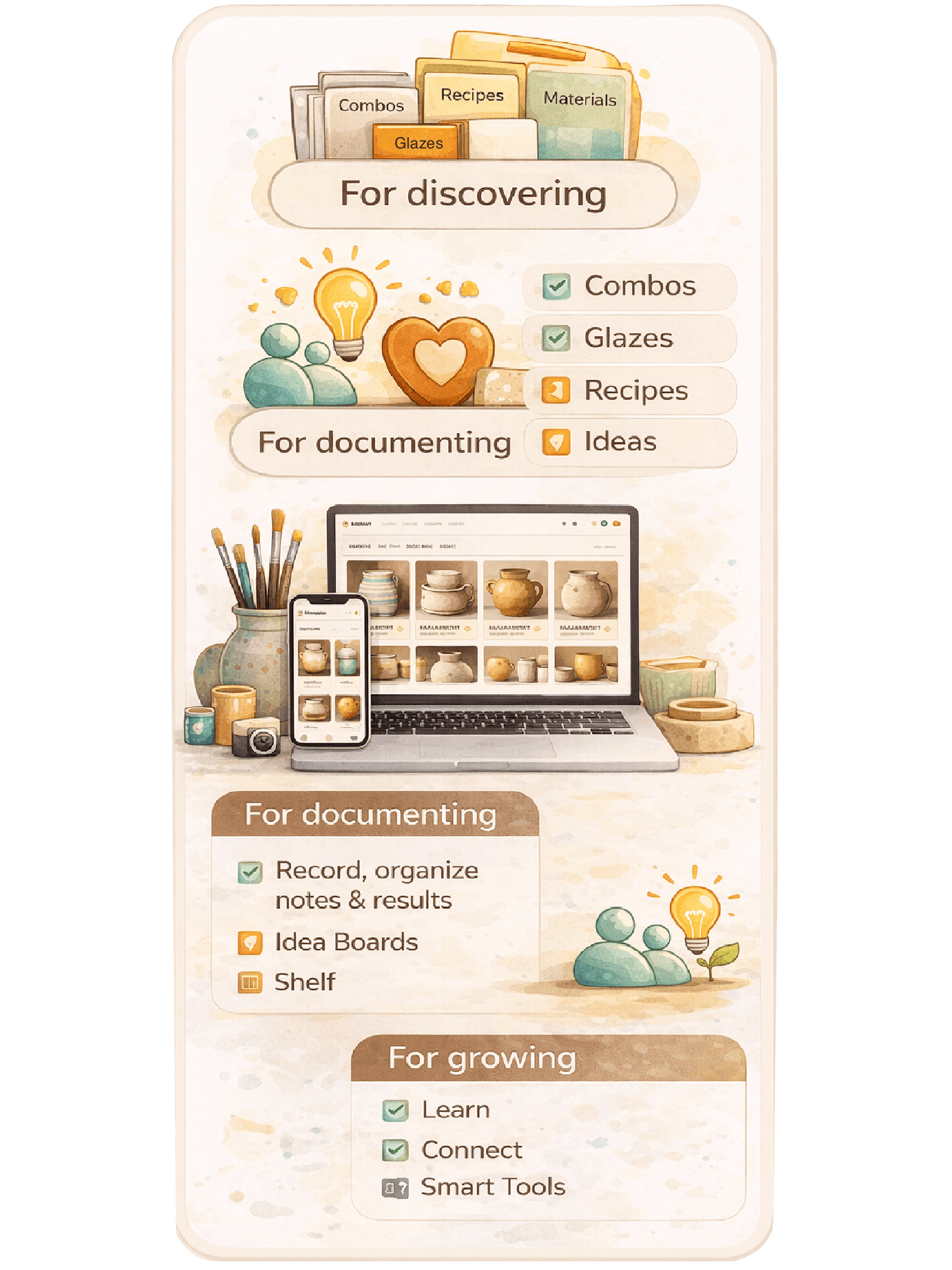
What’s New at a Glance
- Glaizit is now available on Web.
- Idea Boards make planning pottery projects more visual.
- Draft Combinations help you experiment before publishing.
- Material Glossary makes learning materials easier.
- Enhanced Smart Shelf expands discovery using what you already own.
- Recipe Batch Calculator removes manual scaling math.
- Clay AI helps answer pottery and in-app questions.
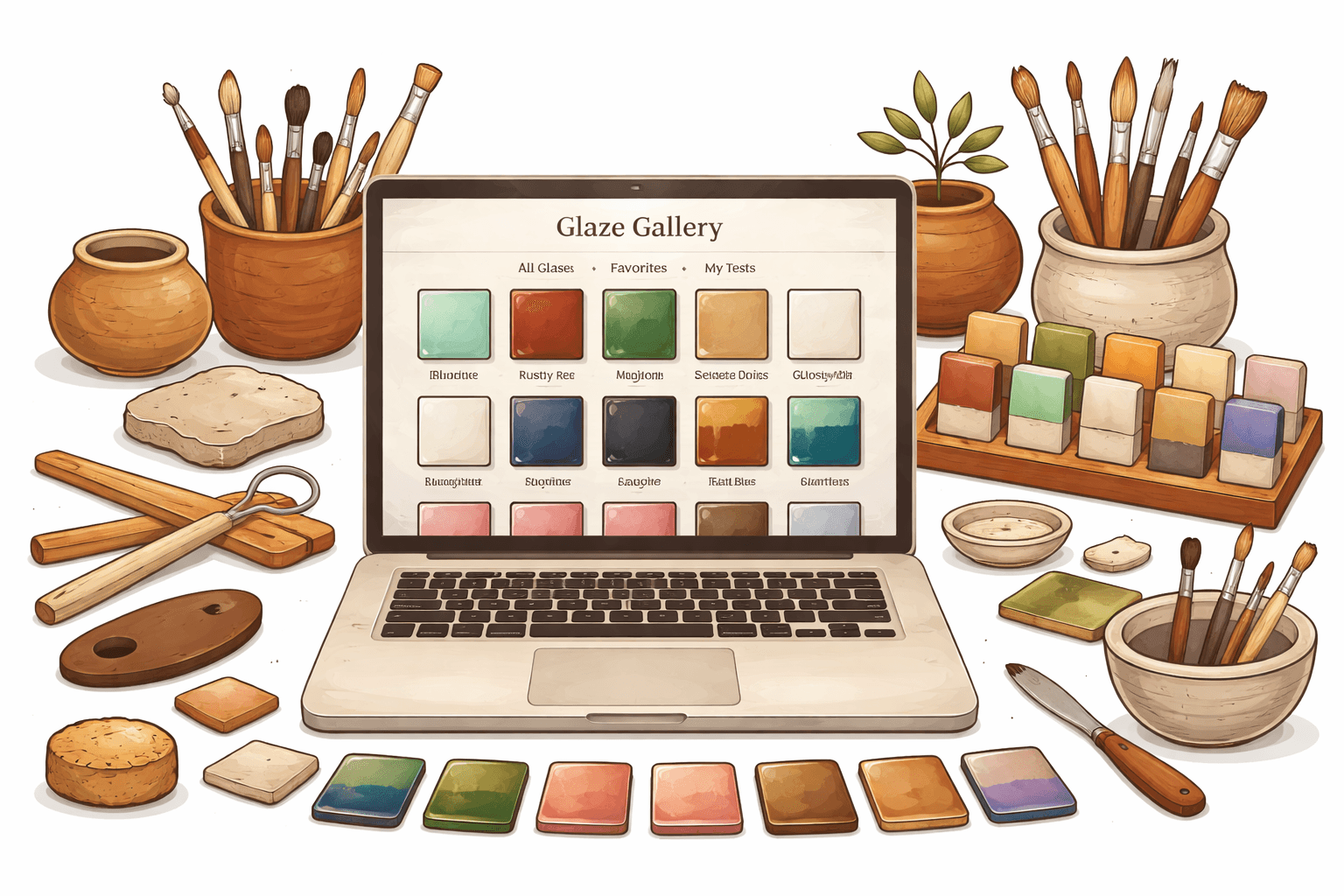
Glaizit on Web
A simpler, roomier way to work through your pottery process on a bigger screen.
- Browse glaze combinations, recipes, materials, and pottery ideas more comfortably in your browser.
- Move between discovery, planning, documenting, and learning in one connected workspace.
- Start on mobile and continue on web — your pottery workflow stays with you.
- Designed to feel calm, visual, and easy to use for real pottery studios and creative practice.
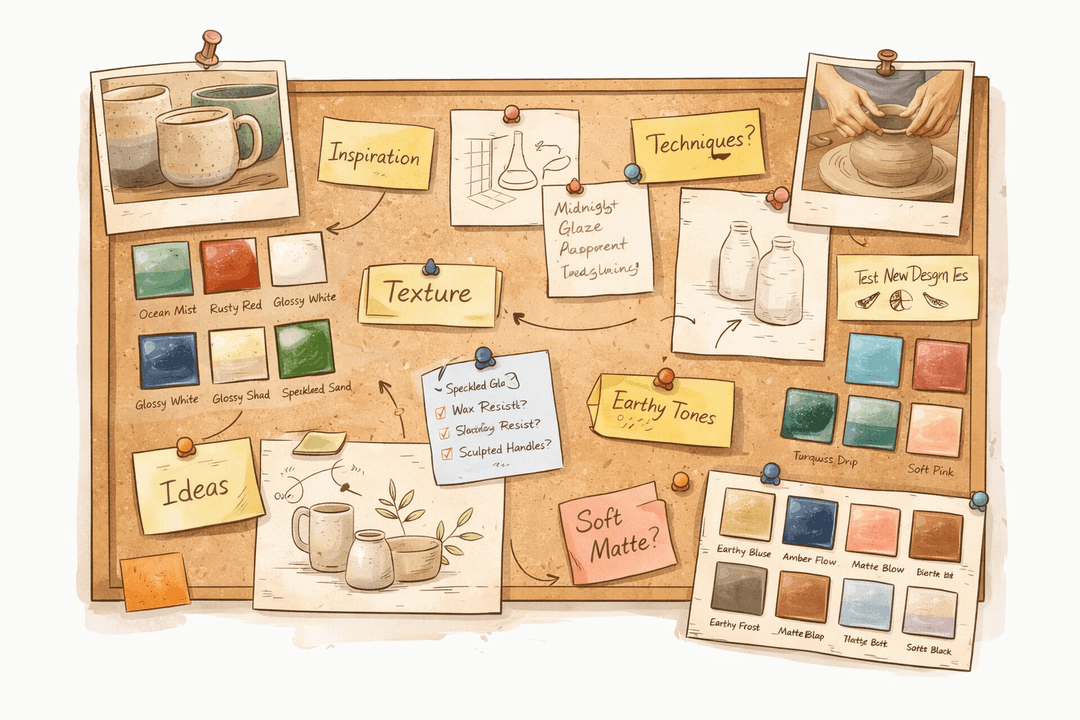
Idea Boards
Plan pottery projects with a more visual, flexible workspace for ideas and references.
- Pin and organize ideas so they never get lost.
- Add notes, sketches, references, and outside inspiration in one connected board.
- Link combinations, recipes, and glazes directly into your project thinking.
- Build a creative direction before making begins, while keeping the practical details close by.
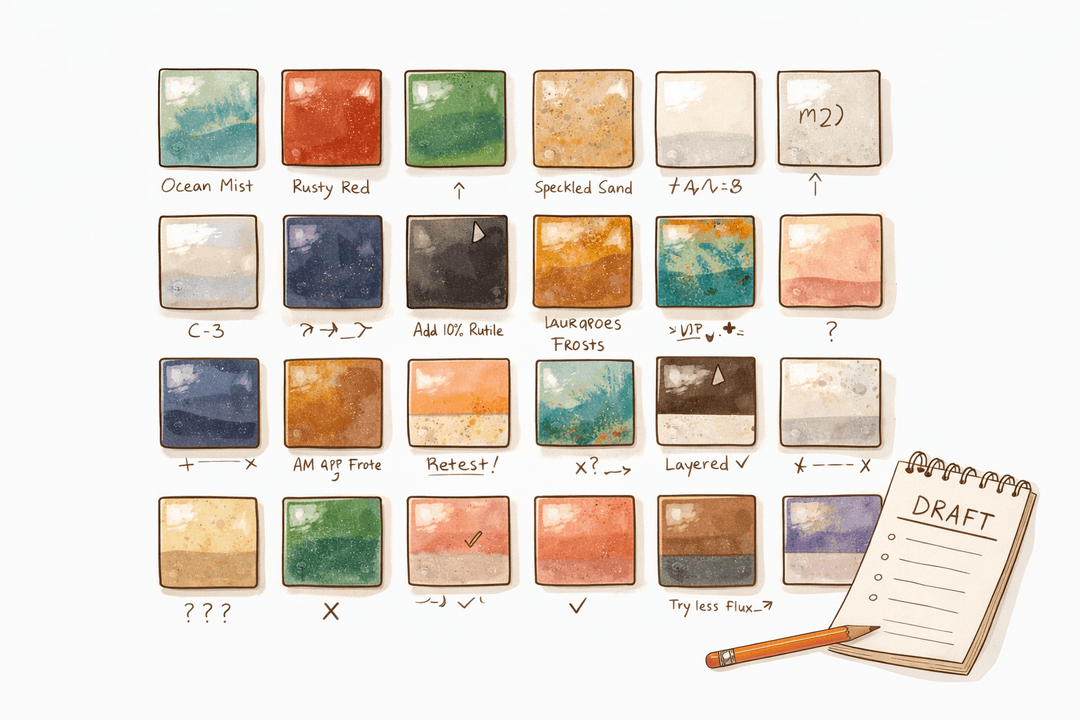
Draft Combinations
Experiment privately before publishing your glaze layering ideas to the community.
- Save in-progress tests, observations, and notes while your ideas are still evolving.
- Refine your layering combinations before sharing them publicly.
- Keep experiments organized instead of scattered across notebooks or photo folders.
- Publish when ready — without losing the process that got you there.
Material Glossary
A more approachable way to understand pottery materials, ingredients, and raw components.
- Explore clay bodies, oxides, frits, and other pottery materials in one place.
- Understand how materials behave before adding them to recipes or tests.
- Make better decisions with clearer information and less guesswork.
- Helpful for both beginners learning the language of materials and experienced potters refining formulas.
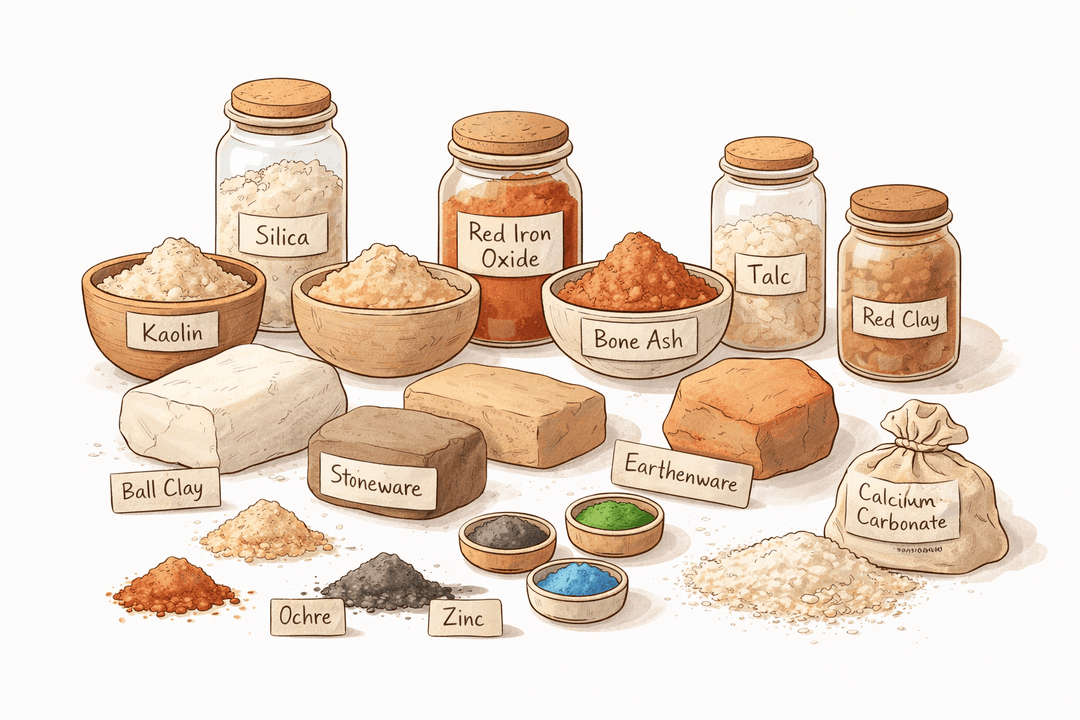
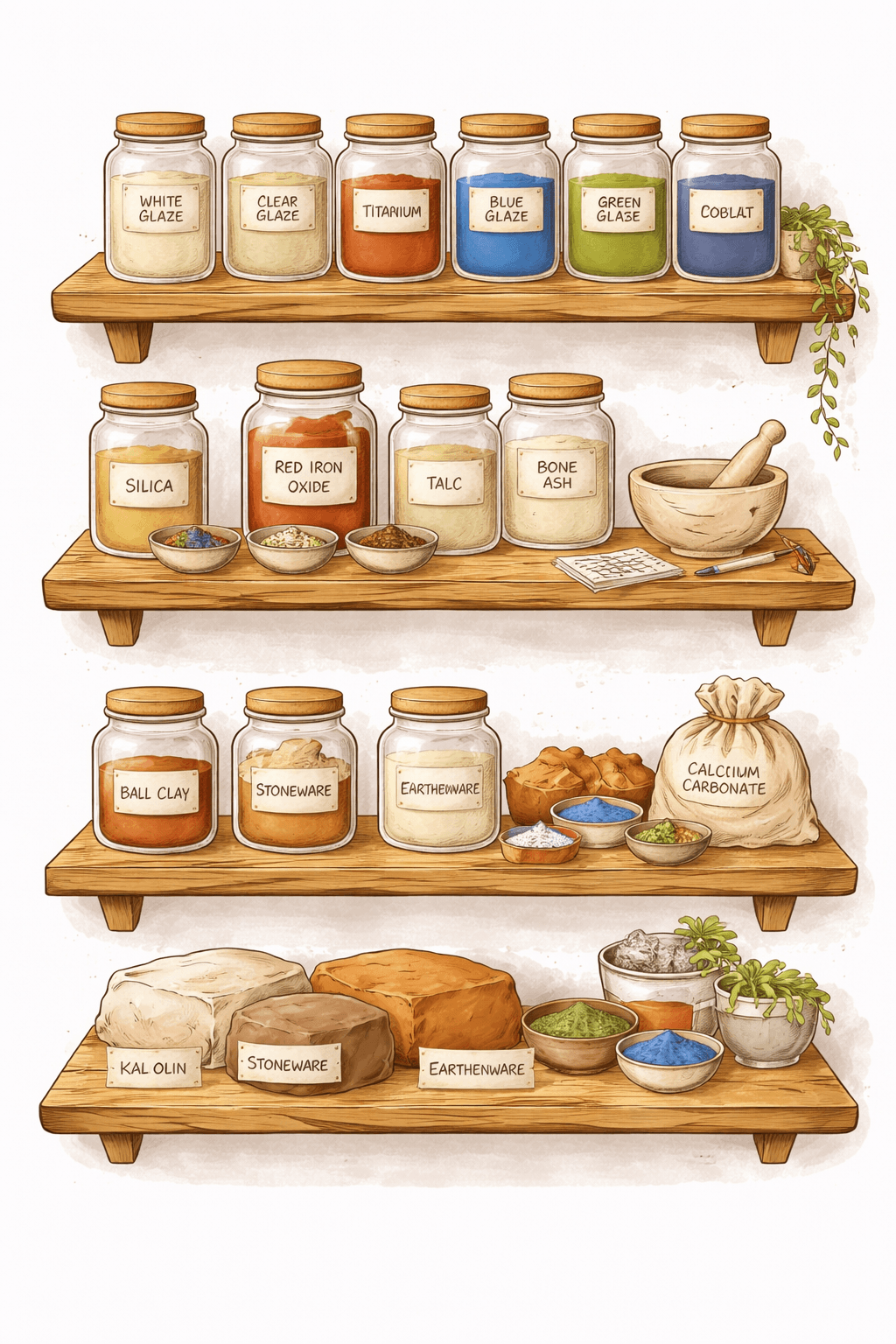
Enhanced Smart Shelf
Smart Shelf now helps you discover even more possibilities using the glazes and materials you already own.
- See layering opportunities based on the glazes already on your shelf.
- Explore recipe possibilities from materials you already have in your studio.
- Reduce waste, unlock hidden combinations, and make your studio inventory work harder.
- Move from collecting materials to discovering real creative possibilities.
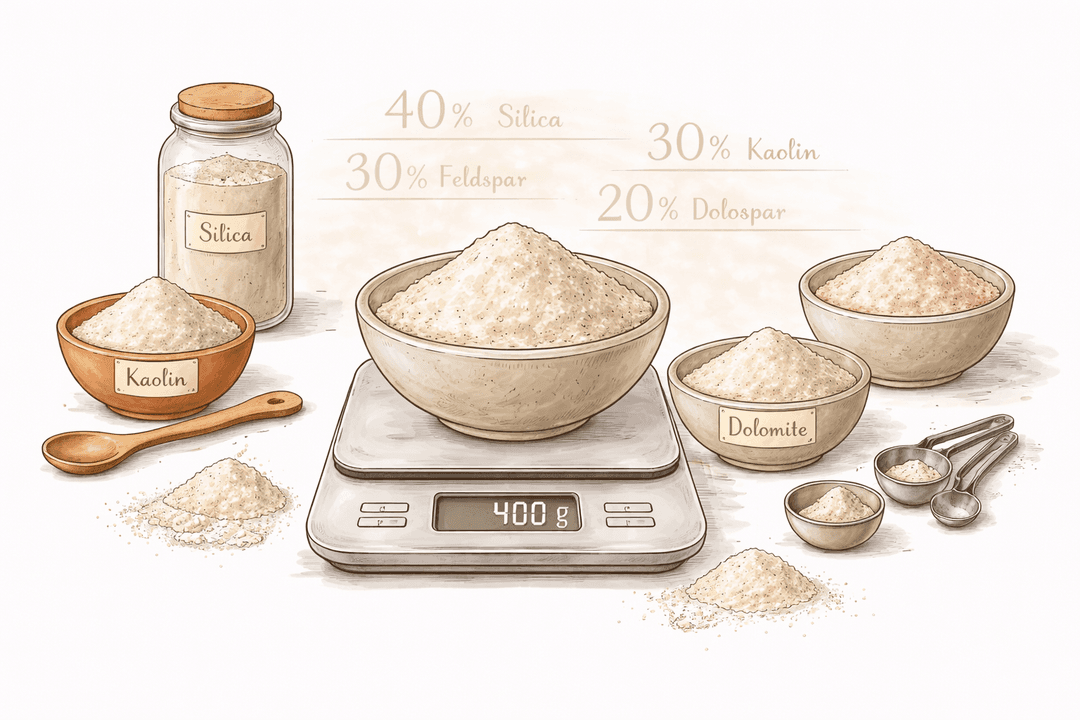
Recipe Batch Calculator
Scale recipes more easily with precise batch calculations built into your workflow.
- Automatically calculate exact ingredient amounts when increasing or decreasing a batch size.
- Save time and avoid manual mistakes when mixing glazes or clay recipes.
- Especially useful for repeat testing, classroom settings, or studio production.
- Keep your recipe process accurate, practical, and easier to trust.
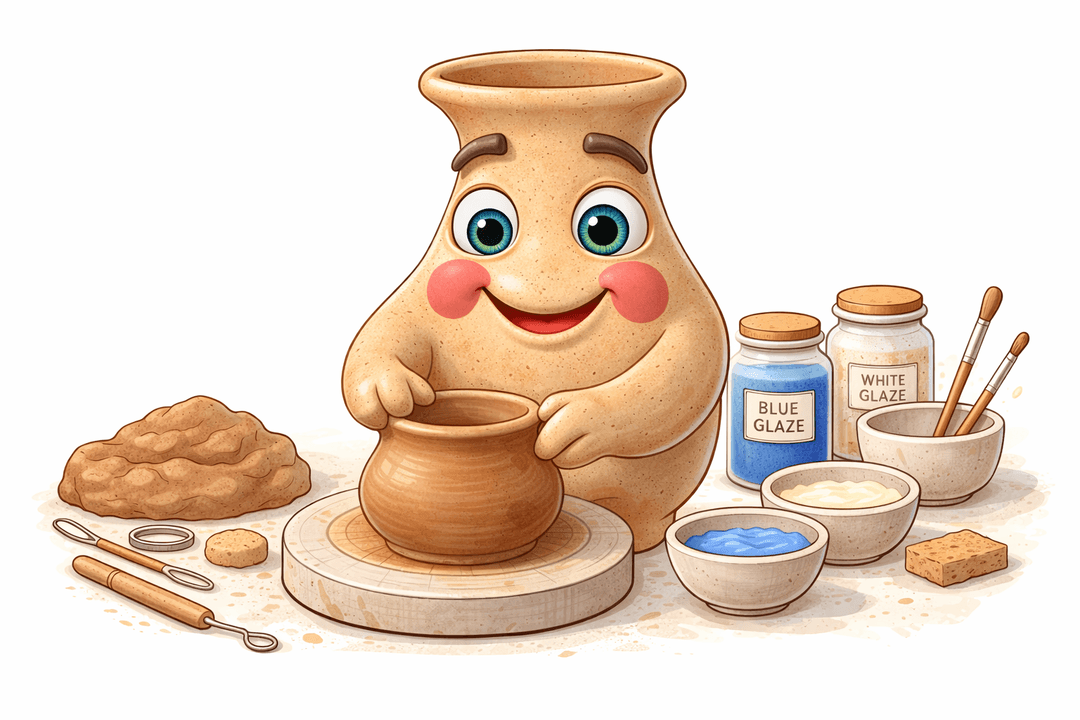
Clay — Your AI Pottery Assistant
Meet Clay, your built-in pottery companion for questions, guidance, and in-app help.
- Ask about glaze chemistry, materials, firing temperatures, and how to use Glaizit features.
- Get quicker support without leaving your creative flow.
- Use Clay as a studio-side assistant when ideas, questions, or uncertainty come up.
- A more helpful, more connected way to learn as you work.
Plus: More Improvements Across Glaizit
- Better project structure for keeping ideas, notes, recipes, and visuals connected.
- Improved visual organization for combinations, glazes, and saved references.
- Cleaner flows for recording observations, testing, and documenting progress.
- Faster, smoother experience across key parts of the app.
- A more consistent look and feel across mobile and now web.
Why This Update Matters
Glaizit is evolving into a more complete pottery platform — one that supports discovery, planning, documenting, organizing, and creative growth in one connected place. Whether you are experimenting with glazes, planning a project, tracking tests, or learning something new, Glaizit helps keep your pottery journey visual, thoughtful, and connected.